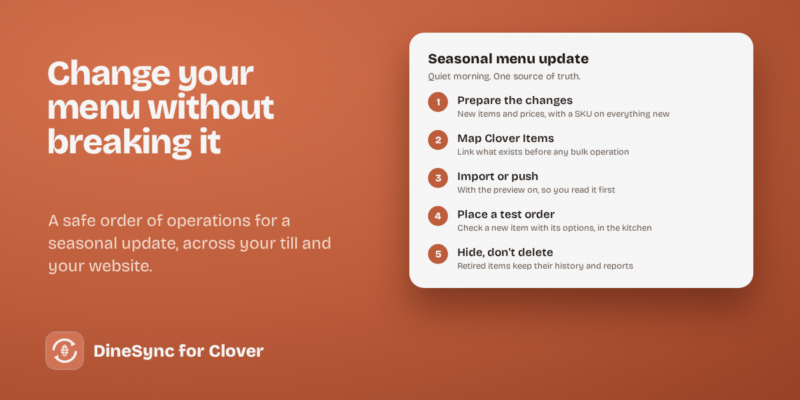
Seasonal menu changes: a safe way to update everything at once October 4, 2026 • 4 min read Changing one price is easy. Changing forty items, retiring a dozen, and adding a new seasonal range is a different...
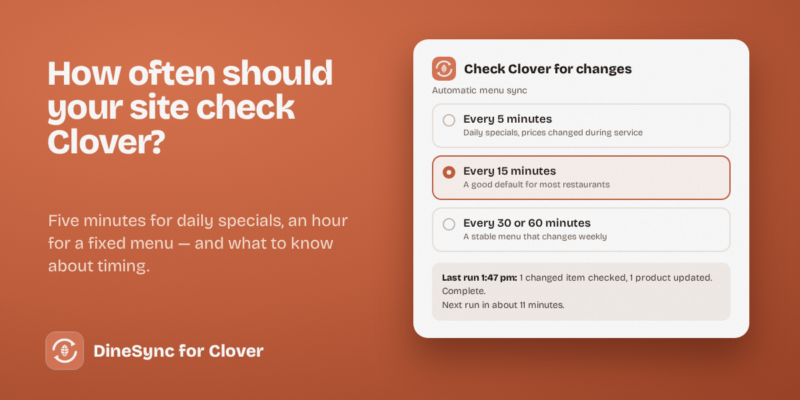
How often should your website check Clover for menu changes? October 3, 2026 • 4 min read Once your website and your Clover till are connected, a new question appears: how often should the website look for...
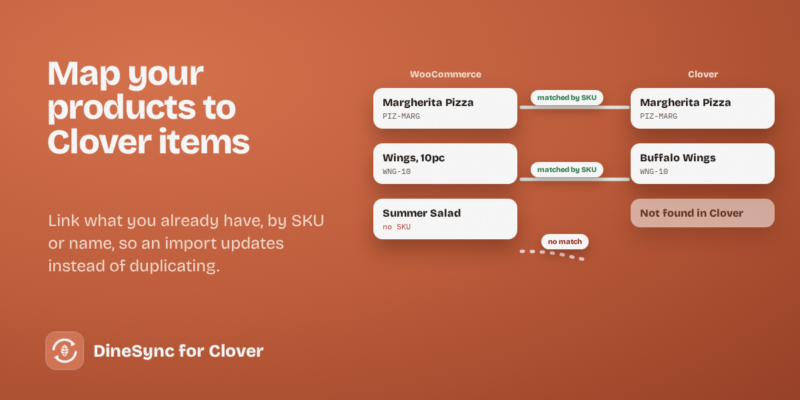
Mapping existing WooCommerce products to Clover items October 2, 2026 • 4 min read If you're connecting a website that already sells food to a Clover till that already has a menu, you have...
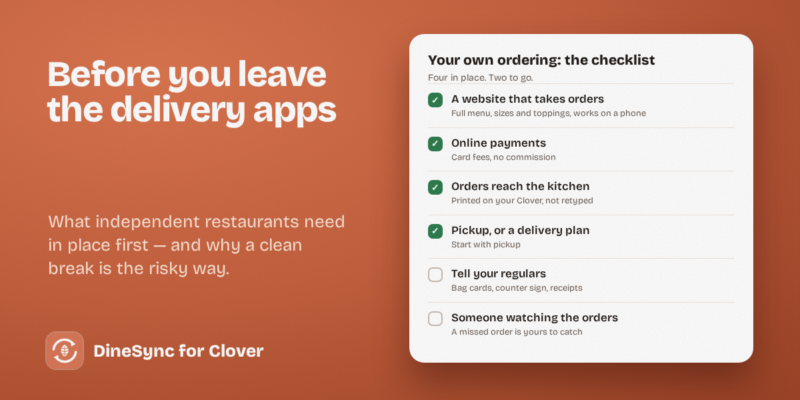
Leaving delivery apps: what independent restaurants need in place first October 1, 2026 • 5 min read Most independent restaurants think about this at some point, usually after reading a payout statement. The commission on every order...
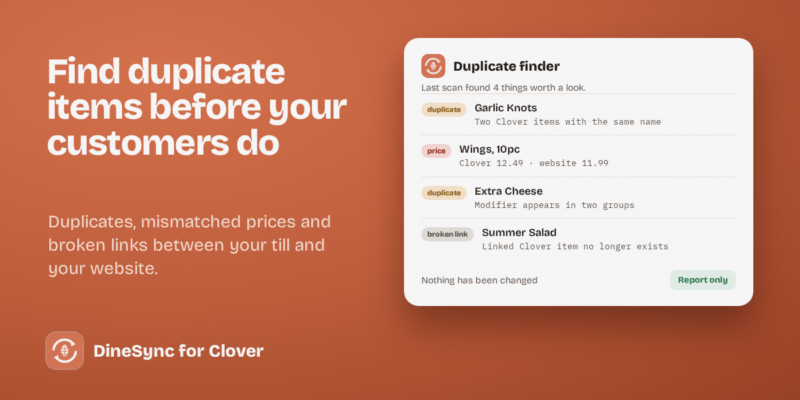
Duplicate items on Clover: how they happen and how to find them September 30, 2026 • 4 min read Menus don't stay tidy on their own. Six months after connecting your website to your till, you look properly and...
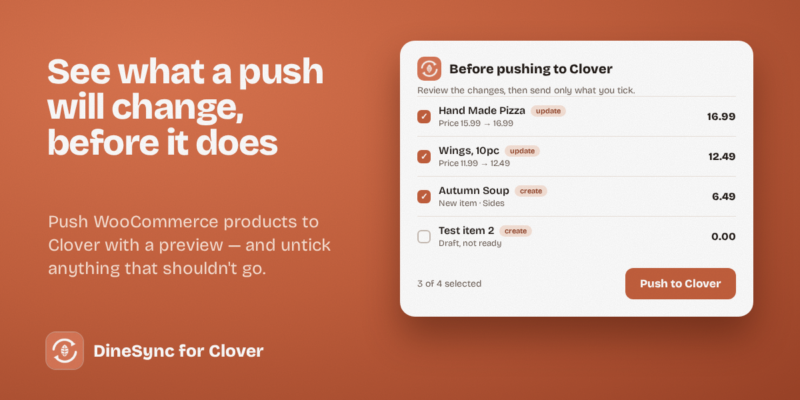
How to push WooCommerce product changes to Clover September 29, 2026 • 4 min read Most restaurants import their menu from Clover and manage it there. But plenty do it the other way round: the...
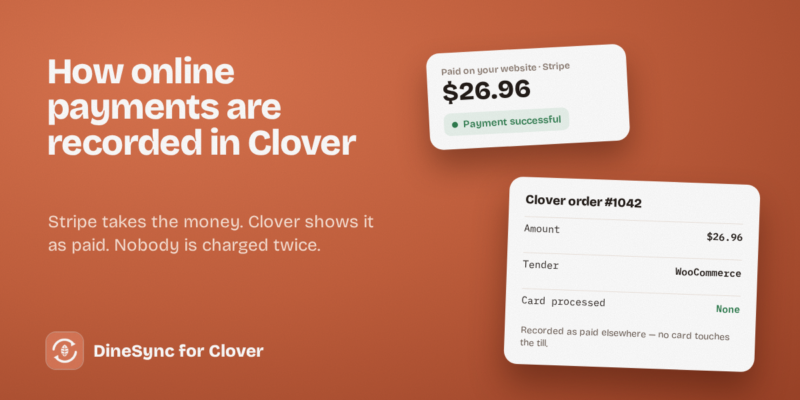
Stripe, WooCommerce and Clover: how payments are recorded September 28, 2026 • 5 min read When a customer pays on your website, the money goes to your payment provider — Stripe, for most restaurants. But...
Pizza sizes, toppings and extras: modifiers from Clover to your website September 27, 2026 • 4 min read A pizza isn't one product. It's a size, a crust, a sauce, and a list of toppings — and the...
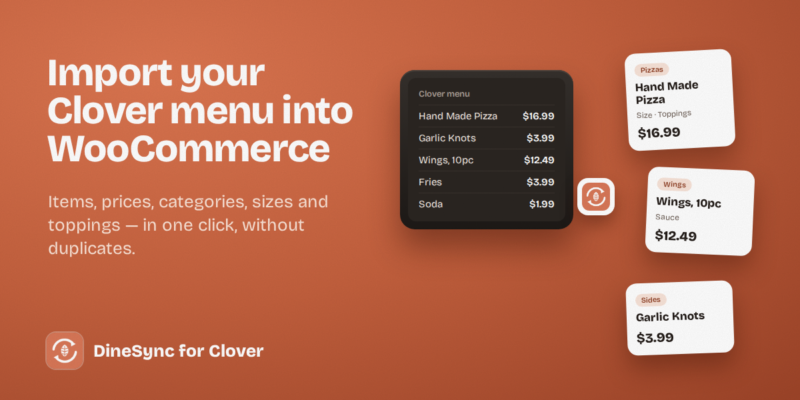
Importing your Clover menu into WooCommerce, step by step September 26, 2026 • 5 min read Building an online menu by hand is slow, and it's where mistakes creep in: a price typed wrong, a size...
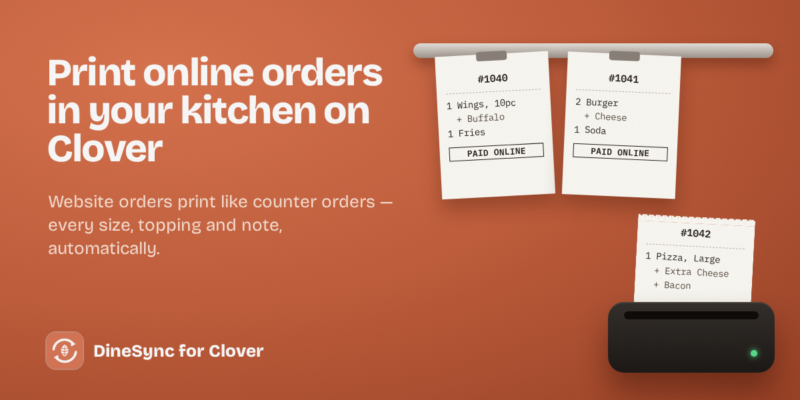
How to print online orders in your kitchen on Clover September 25, 2026 • 5 min read An online order is only useful once your cooks can see it. If orders arrive in an inbox or on...