Free
The complete working sync, at no cost
Free forever
Restaurants running one WooCommerce store that are happy to press Import when the menu changes
1 site licence
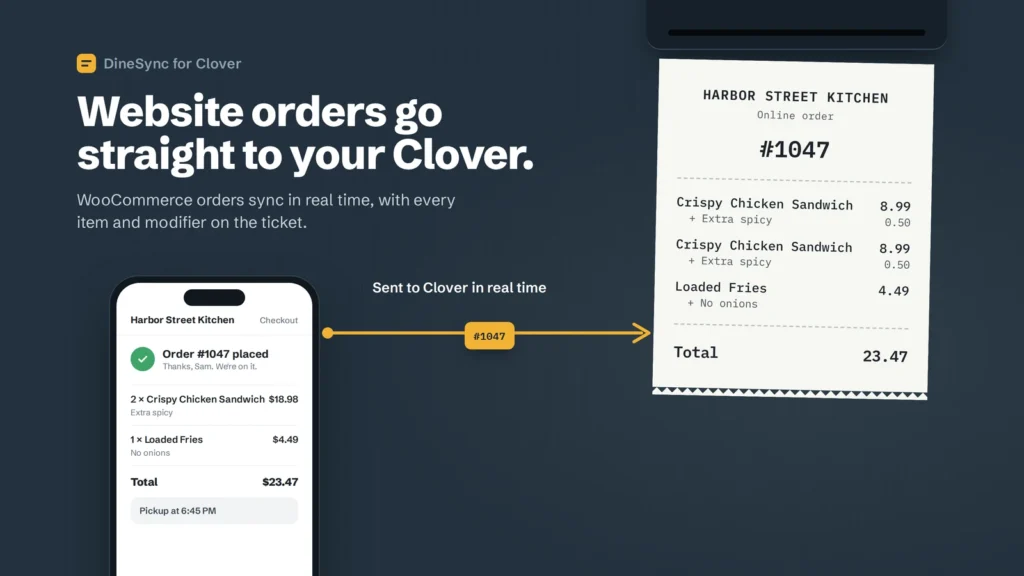
- Send WooCommerce orders to your Clover POS in real time, with modifiers
- Import your Clover menu and prices whenever you choose
- Push products and prices to Clover
- Stock counted once on both sides, and put back on cancel or restocked refund
- Print orders on your Clover kitchen printer
- Sync logs for every order
- Free from WordPress.org
Pro
Automatic sync, alerts and a preview before every push
69.99
/month
or $499.99 billed yearly
save 40%
A single restaurant that cannot afford to miss an order
1 site licence
- Everything in Free
- Menu syncs from Clover automatically
- Email alert when an order fails to reach your register
- One-click retry, or retry them all
- Push preview before any bulk change
- Duplicate finder
- Support direct from the developer
Agency
Five sites on one licence
199.99
/month
or 1,399.99 billed yearly
save 41%
Agencies and multi-location operators
5 site licence
- Everything in Pro
- Five site licences
- One licence across all your client sites
- Priority email support
Already purchased?
1. Make sure the free DineSync for Clover plugin (version 1.0.14 or later) is installed and active.
2. Download DineSync Pro from your receipt email.
3. In WordPress, go to Plugins → Add New → Upload Plugin, install the file and activate it.
4. Enter the license key from the same email. That's it.
Ready for Pro?
Start 14-day free trial