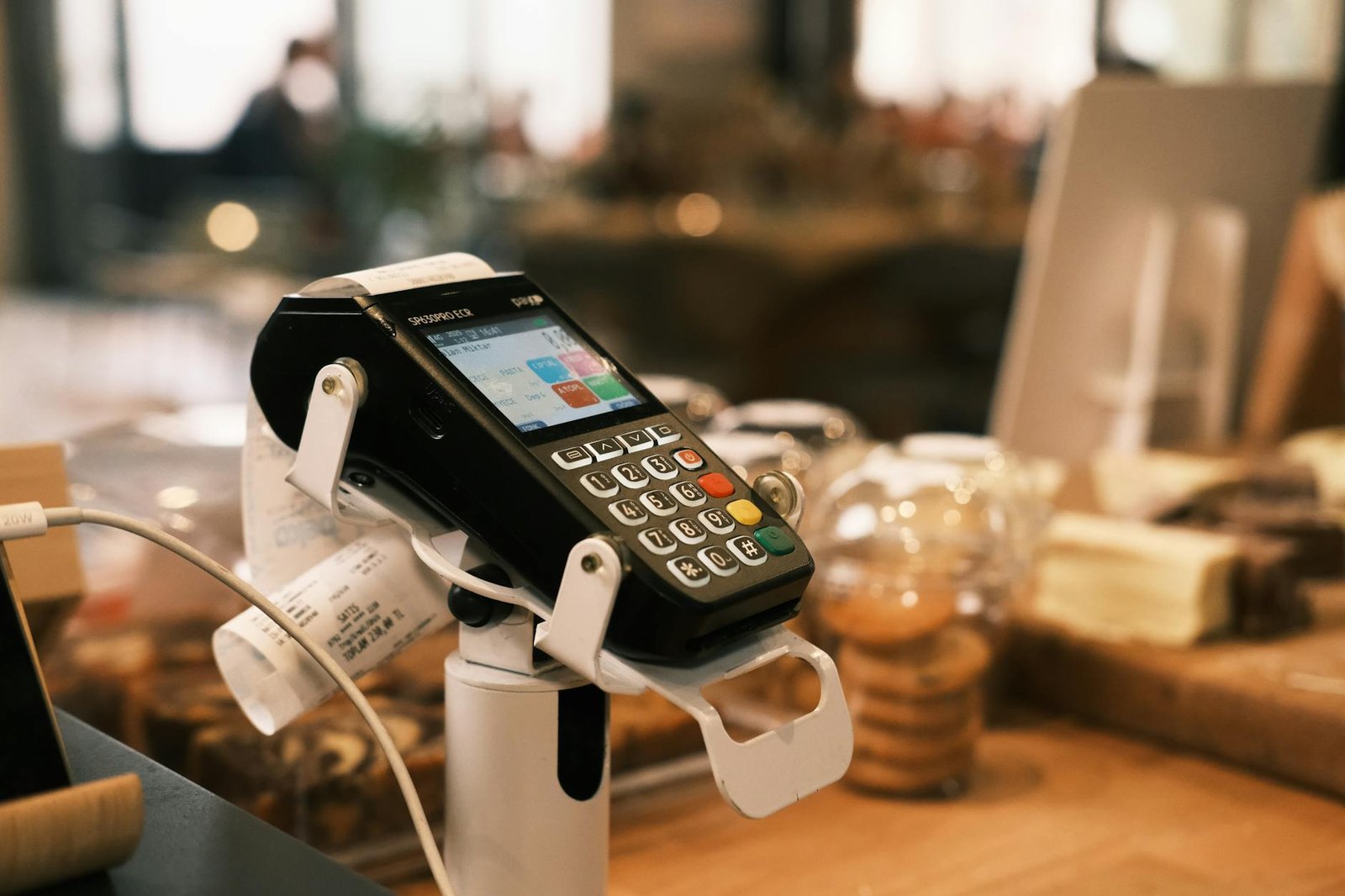
Picture a customer stepping into your shop, phone in hand, pointing at the product they spotted on your website an hour earlier. They drove across town for it. You check the back, then the floor, then the system, and finally have to deliver the news: the last one sold this morning, and the website never caught up. That small, awkward moment is precisely the kind of friction that a properly synced point-of-sale and website are built to eliminate.
For a small business, the gap between what your register knows and what your website shows is rarely just a technical nuisance. It shapes customer trust, eats into staff time, and quietly distorts the numbers you rely on to make decisions. As more shoppers research online before walking in, the cost of a stale inventory count or a mismatched price has grown well beyond the occasional apology at the counter.
The sections ahead walk through why POS-to-website sync has shifted from a nice-to-have to a small business necessity, what integration actually means in plain terms, and the concrete business benefits you can expect. From there, you’ll see how sync extends to social channels and marketplaces, how the plumbing works under the hood, what to compare when choosing a POS platform, and the bottom line on where to start this week.
Why POS-Website Sync Has Become a Small Business Necessity
The math on retail has shifted, and small business owners feel it at the counter every week. Customers check inventory online before they drive over. They expect the price on the shelf to match the price on the site. They want to buy online and pick up in store, or order curbside and be in and out in five minutes. When the point-of-sale system and the website are talking to each other, that experience feels effortless. When they aren’t, the cracks show up fast: oversold items, refunded orders, frustrated staff reconciling spreadsheets at 9 p.m.
The numbers explain why this gap has become urgent. According to industry analysis, 20.1% of retail purchases are expected to take place online in 2024 and eCommerce sales are expected to grow 8.8% in 2024. That isn’t a fringe slice of revenue anymore. It’s a fifth of the market a brick-and-mortar shop is competing with, even when the customer lives ten minutes away. Furthermore, the broader trajectory points up and to the right: the eCommerce market is expected to generate $5.5 trillion by 2027, which reframes a connected website from a marketing extra to a core piece of business infrastructure.
The Omnichannel Expectation Is Now Mainstream
Retailers themselves have caught on. A 2023 survey of Retail Consulting Partners found that 54% of respondents identified improving omnichannel integrations, such as buy online, pick up in-store (BOPIS) and buy online, pick up at curbside (BOPAC), as a key area of focus. When more than half of the industry is investing in the same direction, a small business that stays disconnected is competing with one hand tied behind its back. Customers who get BOPIS at a national chain expect a version of it from the neighborhood shop too.
What This Means for Your Business
For an owner weighing whether sync is worth the setup effort, the question really comes down to where you’d rather spend your time. Here’s the tradeoff in plain terms.
Pros of syncing POS and website:
– One source of truth for inventory across in-store and online sales
– Eligibility to offer BOPIS and curbside, which match shopper expectations
– Less manual reconciliation and fewer overselling refunds
Cons of staying unsynced:
– Staff time lost to double-entry and stock checks
– Lost sales when the site shows “in stock” for an item that sold an hour ago
– A competitive disadvantage against retailers already offering omnichannel pickup
Therefore, the realistic framing isn’t whether sync is worth it — it’s how quickly you can get there without disrupting the business you already have running.
What POS-Website Integration Actually Means
At its simplest, POS-website integration means creating a unified platform for your POS and your online store so the two stop behaving like strangers who happen to share a logo. Instead of your register tracking one version of reality and your website tracking another, both systems read from and write to the same underlying data: products, prices, stock counts, customers, and orders. When a sweater sells at the counter on Newbury Street, the product page updates. When someone buys that same sweater online at 11 p.m., the next morning’s in-store count already reflects it.
For a small business owner, that’s the entire promise in one sentence: one source of truth, accessible from every place you actually sell.
Centralized Order Management
The first practical layer of integration is order consolidation. A properly connected setup consolidates orders from both digital and physical touchpoints into a single management interface, so your team isn’t toggling between a POS dashboard, a Shopify admin, and a printed pick list to figure out what’s been sold and what still needs to ship. Every transaction — in-store swipe, online checkout, curbside pickup — lands in one queue. Refunds, exchanges, and customer history follow the customer rather than the channel they happened to use that day.
Moreover, this matters more than it sounds. The chaos most small retailers experience around the holidays isn’t usually a demand problem; it’s a visibility problem. When orders live in three places, mistakes happen in all three.
Real-Time Inventory Sync
The second layer — and arguably the heart of a connected retail setup — is real-time inventory synchronization. When the website and the POS share a live stock count, the website stops selling things you no longer have, and the register stops promising items a web shopper just claimed. This is what eliminates the chaos of overselling and stock discrepancies that drains hours of staff time and erodes customer trust.
A quick way to think about the trade-offs:
Pros of real-time sync
– No overselling on the website
– Accurate stock visible to staff and customers
– Cleaner reporting because numbers reconcile automatically
Cons to plan for
– Requires a reliable internet connection at the store
– Initial product-catalog cleanup is usually unavoidable
– Monthly platform or middleware costs
The Scope of This Article
To set expectations clearly: this piece focuses on the integration of online and offline channels, specifically websites — not marketplace plug-ins, not full ERP overhauls. If you run a physical location and a website, and you want them to stop contradicting each other, you’re in the right place. Therefore, when we talk about “integration” in the sections ahead, assume we mean the bridge between your in-store register and the storefront customers visit from their phones.
The Core Business Benefits
When your register and your website finally speak the same language, the wins show up in places you weren’t necessarily looking. Stockouts get rarer. Reports start agreeing with each other. The customer who checked your site at lunch and walked in after work doesn’t get told the item is sold out. These aren’t abstract gains — they’re the daily friction points that quietly eat margin in a small business, and POS-to-website sync removes most of them at once.
Inventory That Actually Matches Reality
The most immediate benefit is an inventory count you can trust. With a connected system, a sale at the counter decrements the same stock number a customer sees on the product page, and vice versa. That single change, according to DECTA’s guide to POS-website integration, eliminates the chaos of overselling and stock discrepancies. For a small shop, overselling isn’t just an apology email — it’s a refund, a lost repeat customer, and sometimes a chargeback. Consequently, the operational case for sync is often easier to justify than the marketing case: you’re not chasing new revenue, you’re stopping the bleed on revenue you already earned.
Smarter Decisions From Unified Data
Once both channels write to the same source of truth, you stop guessing. All your sales data lives in one place, which means better decisions about what to reorder, what to discount, and what to stop carrying entirely. Moreover, that same connected dataset unlocks deeper insight into consumer behaviors and sales trends — the kind of pattern recognition that’s invisible when in-store and online sit in separate spreadsheets. You can finally see whether the item that sells slowly online is actually a top-five performer at the counter, or whether your best Instagram product is dead weight in physical stock.
Order management improves alongside this. When the website and POS are connected, you can see where each order originated and where it stands in fulfillment, without toggling between dashboards.
Pros of a synced setup:
– One inventory number across every channel
– Unified reporting that reflects total business activity
– Order origin and status visible from a single screen
– Fewer manual reconciliations at month-end
Cons to weigh:
– Upfront integration cost and configuration time
– Ongoing dependency on the connector or platform staying healthy
– Staff training on a single workflow instead of two familiar ones
The Customer Experience Lift
The final benefit is the one that compounds. Research from Harvard Business Review, cited by Delta1st POS, found that omnichannel shoppers who research a brand online before visiting a store spend roughly 13% more during their in-store visit than shoppers who don’t. That figure only materializes if the online research is accurate — if the site says an item is in stock and it actually is, if the price online matches the price on the shelf, if the staff can pull up the same product record the customer was just looking at. What this means for your business: sync isn’t a back-office upgrade, it’s the infrastructure that lets a higher-spending customer segment exist at all.
Selling Beyond Your Website: Social and Marketplace Sync
Your website is no longer the only storefront that matters. Customers discover products in an Instagram reel, comparison-shop on Amazon, message a seller through Facebook Shops, and sometimes buy on the same channel where they first noticed the item. A POS that only talks to your website is solving last decade’s problem. As Delta1st POS frames it in their omnichannel sales guide, customers now shop beyond traditional websites, and a modern POS should integrate with social media and third-party marketplaces like Amazon, eBay, and Facebook Shops.
The Three Capabilities to Look For
When you evaluate a POS for multi-channel selling, three integration features do most of the heavy lifting. First, the system should sync your product listings outward to social media storefronts so a single product record in your POS becomes a live listing on Facebook or Instagram without manual re-entry. Second, it should process transactions from multiple sales channels in one place, so an Amazon order, an eBay sale, and a walk-in purchase all settle into the same ledger. Third, it should track customer orders from multiple platforms in a unified view, so when a shopper emails about an order, your staff can find it whether it originated on TikTok Shop or at the register.
Furthermore, this consolidation is what separates a true omnichannel setup from a collection of disconnected sales channels duct-taped together. The DECTA guide to POS integration notes that unifying online and offline data eliminates overselling and stock discrepancies while surfacing deeper insight into consumer behavior and sales trends — insight you simply cannot extract when each channel reports its own siloed numbers.
How Many Channels Should a Small Business Take On?
The temptation is to be everywhere at once. The reality is that each new channel adds listing maintenance, customer service touchpoints, return logistics, and platform-specific fee structures. Add channels one at a time and only when your POS can absorb the workload.
A short pros/cons read on expanding to social and marketplace channels:
Pros
– Meets customers on the platforms where they already browse and buy.
– A single POS-managed product catalog keeps pricing and stock consistent across channels.
– Consolidated order tracking shortens customer service response times.
– Reveals which channels actually convert, not just which ones generate traffic.
Cons
– Each marketplace charges fees and enforces its own listing rules.
– Customer service expectations vary by platform and add staffing load.
– Returns from third-party marketplaces can be operationally messy.
– Without true POS sync, every added channel multiplies the risk of overselling.
What this means for your business: pick the one or two channels where your customers already are, confirm your POS can sync inventory and orders to them natively, and only then layer on a third. Moreover, treat your POS as the system of record for every channel you add — the moment you start managing stock inside the marketplace’s own dashboard, you have re-created the silo problem your integration was supposed to solve.
How the Integration Works Under the Hood
Under the surface, a POS-to-website integration is really three coordinated data flows running on top of your existing systems: inventory moving in both directions, orders consolidating into one queue, and financial data flowing out to your books. None of these require you to rip out what you already use. They require the right connectors and a clear decision about which system is the source of truth.
Real-Time Inventory Synchronization
Real-time inventory synchronization is the foundation of a connected retail ecosystem. When a customer buys the last pair of size-9 boots at your South End storefront, the count on your website drops within seconds, and the same listing on any connected marketplace updates with it. The mechanism is usually a webhook or API call fired by the POS at the moment of sale, which the website platform consumes and applies to its own stock record. Specifically, the POS pushes the change rather than the website pulling on a timer, which is what makes “real-time” actually feel real-time instead of a five-minute lag that still oversells.
Centralized Order Management
The second flow is order consolidation. POS integration for eCommerce consolidates orders from both digital and physical touchpoints into a single management interface, so a sale rung up at the counter, a web checkout, and a marketplace order all land in the same queue your staff already knows how to work. That means one fulfillment workflow, one returns process, and one customer history file per shopper regardless of where they bought.
The Accounting Handoff
The third flow is the one that quietly saves the most hours: accounting. Platforms such as QuickBooks, Xero, and Zoho Books allow POS systems to automatically transfer revenue, taxes, and transaction data into financial records, eliminating the weekend ritual of re-keying daily totals into a ledger.
A short comparison of how you can wire this up:
- Native built-in connector (POS ships with QuickBooks/Xero sync): Pros — fastest to enable, vendor-supported, predictable mapping. Cons — limited customization, locked to supported platforms.
- Third-party middleware (iPaaS or sync app): Pros — flexible, can connect non-standard combinations, handles edge cases. Cons — monthly fee on top of your existing subscriptions, another vendor in the dependency chain.
- Custom API integration: Pros — exact fit for your workflow, you own the logic. Cons — developer cost upfront, ongoing maintenance when either API changes.
What this means for your business: the plumbing matters less than the discipline of letting one system own each piece of data. Furthermore, the direction the industry is moving validates the investment — the National Retail Federation has reported that retailers continue investing heavily in POS modernization to support omnichannel commerce and real-time inventory visibility, which means the connectors, partner ecosystems, and documentation around these integrations are getting better every quarter, not worse.
Choosing a POS Platform: What to Compare
Picking a POS is really picking the hub of your retail operation. Several POS platforms have built strong reputations precisely because of their ability to integrate with the broader commerce technology ecosystem, so the question is rarely “which POS has the nicest checkout screen” and almost always “which POS plays well with the other software I already rely on.” For a small business owner, that means weighing two broad philosophies before you ever sign a contract.
All-in-One Omnichannel vs. Accounting-First
The first philosophy is the all-in-one omnichannel platform. Delta1st POS, for example, describes itself as offering fully integrated omnichannel sales solutions so businesses can manage online and in-store transactions from a single platform. The second philosophy is choosing a POS primarily for its accounting integrations, where compatibility with QuickBooks, Xero, or Zoho Books is the deciding factor and the sales-channel features are secondary.
All-in-one omnichannel POS
- Pros: One vendor owns the sync between web, in-store, and often social channels; fewer connectors to maintain; consistent inventory view across channels; easier to add capabilities like syncing product listings to social storefronts later.
- Cons: You are betting on one company’s roadmap; accounting may feel like an afterthought; switching costs grow the longer you stay.
Accounting-first POS
- Pros: Bookkeeping reconciles cleanly with minimal manual work; your accountant is happier; you keep flexibility to pick best-of-breed ecommerce separately.
- Cons: You’ll likely need a middleware connector to bridge web and store inventory; more vendors to manage; real-time sync across channels may require extra configuration.
Questions to Ask Before You Commit
However you lean, walk every shortlisted vendor through the same checklist. Specifically, a small business owner should ask:
- Which sales channels does it natively sync — your website, Amazon, eBay, Facebook Shops, in-store register?
- Does it handle real-time inventory across those channels, or batch updates on a schedule?
- Does it push transactions into the accounting tool you actually use, and at what level of detail?
- Can it support BOPIS or BOPAC if you decide to add curbside pickup later, without a forklift upgrade?
- What does the integration look like with your existing payment processor and your website platform?
What this means for your business: the “best” POS is the one whose integration list overlaps most cleanly with the tools you already depend on. Therefore, build your shortlist from your existing stack outward, not from a feature comparison chart inward.
Need Help with Your Retail Website?
If you run a retail business and need a website that works seamlessly with your in-store operations, we’d be happy to discuss your specific needs. Monir Tech Solutions specializes in retail e-commerce and POS sync solutions for small businesses across the Boston area and beyond — including WooCommerce, Shopify, and in-store POS integration.
Reach out anytime at info@monirtechsolutions.com and we’ll respond within 24 hours.
The Bottom Line
Syncing your point-of-sale system with your website is less a technology project than a discipline for protecting the trust, time, and margin that small retailers cannot afford to lose. The chaos of overselling, the slow drip of stock discrepancies, and the missed insight into what customers actually buy all stem from the same root cause: two systems telling two different stories about the same business. When those stories converge, you stop apologizing for orders you cannot fulfill and start making decisions from a single source of truth.
What to take away
The customer experience payoff is real and measurable. Research attributed to Harvard Business Review shows that omnichannel shoppers who research a brand online before visiting a store spend roughly 13% more during their in-store visit than those who do not. That uplift only materializes when the website a customer checks at 9 p.m. matches the shelf they walk up to the next morning. Furthermore, accurate inventory feeds give you the operating data — fastest movers, dead stock, channel mix — that turns gut feel into informed purchasing.
If you are still weighing whether the project is worth scoping, weigh it honestly:
Pros of moving now
– Eliminates overselling and the refunds, apologies, and review damage that follow
– Surfaces sales trends across both channels in one report
– Removes the manual reconciliation work that quietly eats staff hours each week
Cons or cautions
– Requires up-front coordination between your POS vendor, your developer, and whoever owns your website
– Real-time sync is not always necessary; many small shops do fine with near-real-time
– Integration choices lock you in, so the shortlist deserves care
Your next step this week
Pick your ten best-selling SKUs. Pull what your website currently says is in stock for each one, then walk the floor or the stockroom and physically count what is actually there. Note every gap. That single spreadsheet — ten rows, two columns, one difference — is the most persuasive document you can bring into a 30-minute conversation with your developer or POS vendor. Moreover, it reframes the discussion from abstract integration features to the specific units of revenue and trust you are losing right now, which is exactly the footing a small business owner should be on when scoping this work.