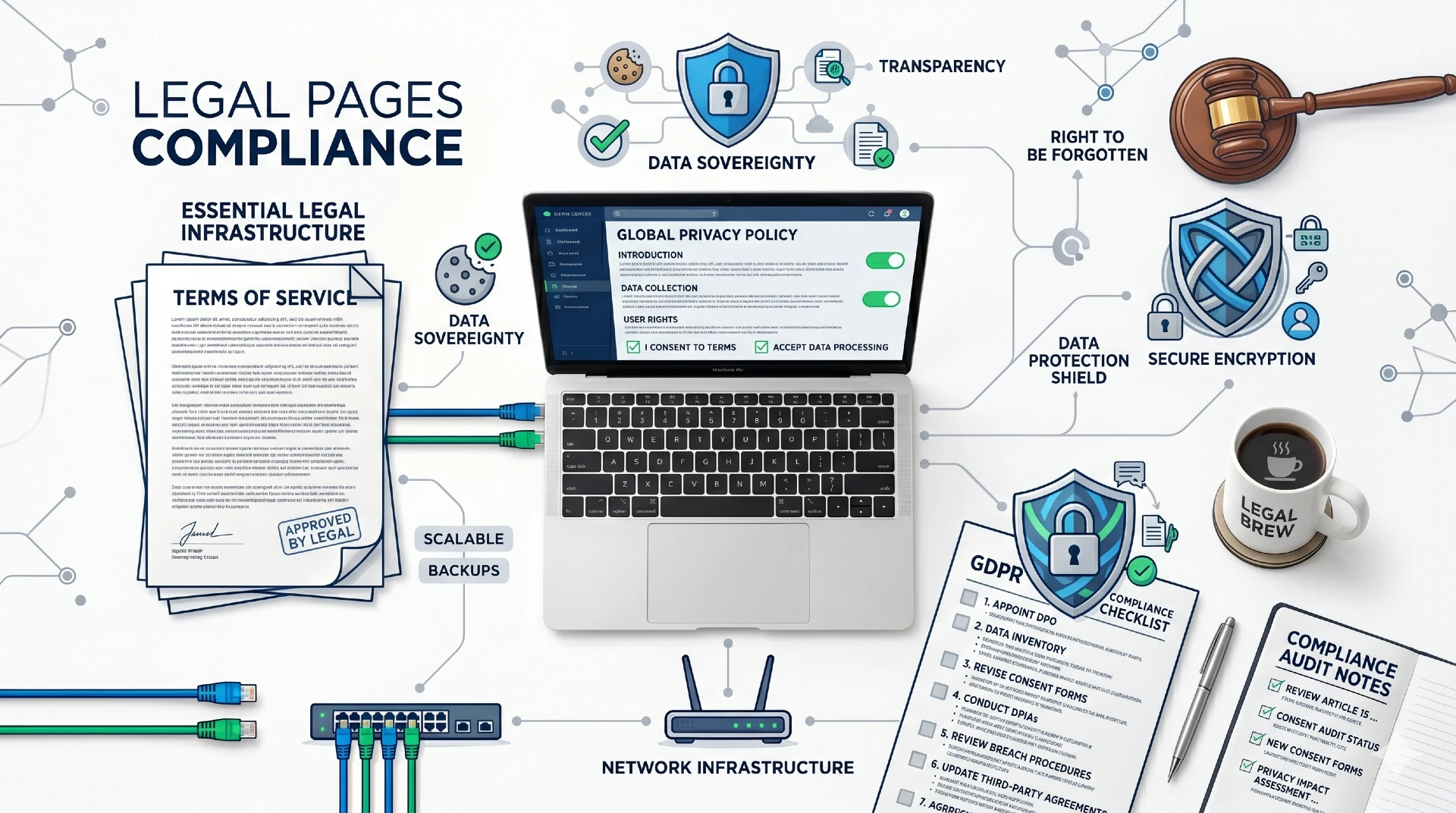
Creating privacy policy and terms pages protects your small business legally and builds visitor trust. These legal pages are required by law in many situations specifically. Furthermore, they demonstrate professionalism and transparency to potential customers.
Many small business owners skip these pages assuming they’re unnecessary for small websites. They believe legal pages only matter for large corporations. Consequently, they expose themselves to legal liability and miss opportunities to build credibility.
This guide explains what privacy policy and terms pages your small business website needs. You’ll learn what to include, how to create them, and why they matter for your business.
Why Legal Pages Matter for Small Business Websites
Understanding legal page importance motivates proper implementation. The consequences of skipping them can be significant.
Legal Compliance Requirements
Various laws require websites to have privacy policies specifically. GDPR applies to any website with European visitors. CCPA protects California residents specifically. Furthermore, many other state and international laws have similar requirements.
Non-compliance can result in significant fines and penalties. GDPR violations can cost up to €20 million or 4% of annual revenue.
Advertising and Analytics Requirements
Google Analytics, Facebook Pixel, and advertising platforms require privacy policy disclosure. Using these tools without proper disclosure violates their terms of service. Furthermore, ad accounts can be suspended for non-compliance.
Google’s requirements mandate privacy policy disclosure for Analytics users. Compliance is mandatory, not optional.
Building Customer Trust
Visible legal pages signal a legitimate, professional business clearly. Visitors feel more comfortable sharing information with transparent businesses. Furthermore, clear policies reduce anxiety about doing business with you.
Trust influences purchasing decisions significantly. Legal pages contribute to overall credibility.
Protecting Your Business
Terms of service establish rules for using your website specifically. They limit your liability and establish dispute resolution procedures. Furthermore, they protect intellectual property and set expectations.
Without terms, you have less legal protection from problematic users. Clear terms provide important safeguards.
E-commerce Requirements
Online stores have additional legal requirements beyond basic websites. Payment processors require specific policy disclosures contractually. Furthermore, consumer protection laws mandate certain information.
Selling online without proper legal pages creates significant liability exposure. Compliance protects your business.
Essential Legal Pages Every Website Needs
These pages should appear on every small business website minimally. Each serves specific important purposes.
Privacy Policy
Privacy policies explain how you collect, use, and protect visitor data specifically. They’re legally required if you collect any personal information. Furthermore, most websites collect data through analytics, forms, or cookies.
Must include:
- What information you collect
- How you collect it (forms, cookies, analytics)
- Why you collect it
- How you use the information
- Who you share it with
- How you protect it
- How visitors can access or delete their data
- How you handle children’s privacy
- How you notify of policy changes
- Contact information for privacy questions
Terms of Service (Terms and Conditions)
Terms of service establish the rules for using your website specifically. They create a contract between you and website visitors. Furthermore, they protect your business from various liabilities.
Must include:
- Acceptance of terms
- Description of services
- User responsibilities and restrictions
- Intellectual property rights
- Limitation of liability
- Disclaimer of warranties
- Dispute resolution procedures
- Governing law and jurisdiction
- Termination rights
- Modification procedures
Cookie Policy
Cookie policies explain what cookies your website uses specifically. GDPR and similar laws require cookie disclosure and consent. Furthermore, visitors deserve to know how tracking works.
Must include:
- What cookies are
- What cookies you use
- Purpose of each cookie type
- How to manage cookie preferences
- Third-party cookies used
- Cookie duration information
Some websites combine cookie policy with privacy policy appropriately. Separate pages work better for complex cookie usage.
Disclaimer
Disclaimers limit liability for information provided on your website. They clarify that content is informational, not professional advice. Furthermore, they protect against claims based on website content.
Common disclaimer types:
- General information disclaimer
- Professional advice disclaimer
- Affiliate disclosure
- Testimonial disclaimer
- External links disclaimer
Refund and Return Policy (E-commerce)
Online stores need clear refund and return policies specifically. Consumer protection laws require this information in many jurisdictions. Furthermore, clear policies reduce disputes and build trust.
Must include:
- What can be returned
- Timeframe for returns
- Condition requirements
- Refund process and timeline
- Who pays return shipping
- Exchanges versus refunds
- Non-returnable items
- Contact information
Shipping Policy (E-commerce)
E-commerce sites need shipping policies explaining delivery procedures. Customers need this information before purchasing. Furthermore, clear expectations prevent complaints.
Must include:
- Shipping methods available
- Delivery timeframes
- Shipping costs
- International shipping details
- Order processing times
- Tracking information
- Lost or damaged shipment procedures
Creating Privacy Policy and Terms Pages: Step by Step
Follow this process to create effective legal pages for your website.
Step 1: Audit Your Data Collection
Before writing privacy policy, understand exactly what data you collect. Review all forms, analytics tools, and third-party services. Furthermore, identify every cookie your website uses.
Common data collection points:
- Contact forms
- Email signup forms
- Google Analytics
- Facebook Pixel
- Chat widgets
- E-commerce checkout
- User accounts
- Comments sections
Document everything before writing your policy specifically.
Step 2: Research Applicable Laws
Different laws apply based on your location and visitor locations. GDPR applies if you have European visitors. CCPA applies for California visitors. Furthermore, your state may have specific requirements.
Key laws to consider:
- GDPR (European Union)
- CCPA/CPRA (California)
- PIPEDA (Canada)
- State-specific laws
- Industry-specific regulations
- Children’s privacy (COPPA)
Understanding applicable laws ensures compliance specifically.
Step 3: Choose Creation Method
You have several options for creating legal pages appropriately:
Option 1: Legal Professional Hiring an attorney provides customized, legally sound documents. This is the safest approach for complex businesses. However, it’s the most expensive option ($500-2,000+).
Option 2: Legal Document Services Services like Termly, TermsFeed, and Iubenda generate customized legal documents. They’re more affordable ($100-300/year) and update automatically. Furthermore, they cover major legal requirements.
Option 3: Templates Free templates provide starting points but may not cover your situation. They require customization and carry more risk. Furthermore, they may not stay current with law changes.
Recommendation: Use legal document services for most small businesses. They balance cost, coverage, and convenience effectively.
Step 4: Generate or Draft Documents
Using your chosen method, create your legal documents specifically. Input accurate information about your business and practices. Furthermore, customize templates to match your actual operations.
Don’t simply copy competitors’ legal pages unfortunately. Their policies may not match your practices accurately.
Step 5: Review for Accuracy
Verify that generated documents accurately reflect your practices. Check that all data collection is disclosed properly. Furthermore, ensure policies match how you actually operate.
Inaccurate policies create legal problems rather than preventing them. Accuracy matters greatly.
Step 6: Implement on Website
Add legal pages to your website in accessible locations. Link from footer navigation on every page. Furthermore, link from relevant forms and checkout processes.
Policies must be accessible before users submit information. Proper placement matters legally.
Step 7: Implement Cookie Consent
If using cookies, implement consent mechanisms for GDPR compliance. Cookie consent banners notify visitors and collect permissions. Furthermore, they must allow genuine choice.
CookieYes and Cookiebot provide compliant cookie consent tools. Proper implementation is essential.
Step 8: Maintain and Update
Legal pages require regular review and updates specifically. Update when you change data practices or add new tools. Furthermore, monitor legal changes affecting your obligations.
Schedule annual legal page reviews at minimum. Changes happen that require updates.
Privacy Policy and Terms Pages: Writing Guidelines
Whether drafting yourself or customizing templates, follow these principles.
Use Clear, Plain Language
Legal pages should be understandable to average readers. Avoid excessive legal jargon when possible. Furthermore, explain technical terms when necessary.
Confusing policies don’t effectively inform visitors. Clarity serves everyone better.
Be Specific and Accurate
Vague policies don’t satisfy legal requirements effectively. Specify exactly what you collect and why. Furthermore, accuracy prevents legal problems.
“We may collect some information” is insufficient legally. Specificity is required.
Organize Logically
Use clear headings and logical organization throughout. Visitors should find relevant information easily. Furthermore, organized documents demonstrate professionalism.
Wall-of-text legal pages discourage reading entirely. Structure improves usability.
Include Contact Information
Provide clear ways to contact you about policy questions. Include email, phone, or mailing address specifically. Furthermore, respond to inquiries promptly.
Accessibility is required by many laws specifically. Make contact easy.
Date Your Policies
Include effective dates on all legal pages specifically. Note when policies were last updated. Furthermore, explain how you notify of changes.
Dating creates clear records of policy versions. This matters for compliance.
Keep Policies Current
Outdated policies create legal exposure unnecessarily. Update when adding new data collection or tools. Furthermore, review when laws change.
Annual reviews catch needed updates regularly. Stay current.
GDPR Compliance for Small Business Websites
GDPR applies to most websites with European visitors. Understanding requirements ensures compliance.
Who Must Comply
GDPR applies if you collect data from EU residents regardless of your location. Having any European visitors triggers requirements potentially. Furthermore, most websites have some EU traffic.
Check your analytics for European visitors specifically. You likely need GDPR compliance.
Key GDPR Requirements
Lawful basis for processing: You need legitimate reason to collect data specifically. Consent is common but not the only option.
Informed consent: Visitors must understand what they’re agreeing to. Pre-checked boxes don’t constitute valid consent.
Right to access: Visitors can request copies of their data. You must provide within 30 days.
Right to deletion: Visitors can request data deletion specifically. You must comply with legitimate requests.
Data protection: Implement appropriate security measures. Protect data from unauthorized access.
Breach notification: Report data breaches within 72 hours. Notify affected individuals promptly.
Implementing GDPR Compliance
Privacy policy updates: Include all GDPR-required disclosures specifically.
Cookie consent: Implement compliant consent mechanisms. Don’t load non-essential cookies before consent.
Data request procedures: Establish processes for handling data requests. Respond within required timeframes.
Security measures: Implement appropriate data protection. Document your security practices.
GDPR Resources
GDPR.eu provides comprehensive guidance for compliance. ICO (UK) offers practical implementation advice. Furthermore, CNIL (France) provides helpful resources.
Use official resources for accurate compliance guidance specifically.
CCPA Compliance for California Visitors
California Consumer Privacy Act affects businesses serving California residents. Understand your obligations.
Who Must Comply
CCPA applies to for-profit businesses meeting any threshold:
- Annual revenue over $25 million
- Buy/sell/share data of 100,000+ California residents
- Derive 50%+ revenue from selling personal information
Smaller businesses may still choose to comply voluntarily. Furthermore, CPRA (updated CCPA) expands requirements.
Key CCPA Requirements
Right to know: Consumers can request disclosure of collected data. Businesses must respond within 45 days.
Right to delete: Consumers can request data deletion specifically. Businesses must comply with exceptions.
Right to opt-out: Consumers can opt out of data sales. “Do Not Sell My Personal Information” links required.
Non-discrimination: Cannot discriminate against consumers exercising rights. Equal service regardless of privacy choices.
Implementing CCPA Compliance
Update privacy policy with California-specific disclosures. Add required opt-out links if selling data. Furthermore, establish request handling procedures.
California AG website provides official guidance and resources. Follow authoritative sources.
Common Mistakes with Legal Pages
Many businesses make these legal page errors unfortunately. Avoid them proactively.
Copying Competitor Policies
Copying others’ policies doesn’t ensure they fit your business. Their practices may differ from yours significantly. Furthermore, copied policies may contain errors or be outdated.
Create policies reflecting your actual practices specifically. Accuracy matters more than speed.
Hiding Legal Pages
Legal pages buried deep in site structure don’t satisfy requirements. Pages must be accessible from every page typically. Furthermore, hiding suggests something to hide.
Link prominently from footer navigation everywhere. Make finding policies easy.
Never Updating
Laws change and your practices evolve over time. Static policies become inaccurate and non-compliant. Furthermore, outdated policies create false impressions.
Schedule regular reviews and update as needed. Maintenance is ongoing.
Using Free Templates Without Customization
Generic templates don’t address your specific situation. Uncustomized templates may miss important disclosures. Furthermore, they may include irrelevant provisions.
Customize any template to match your actual practices. Generic doesn’t equal compliant.
Ignoring Cookie Consent
Displaying cookies without consent violates GDPR specifically. Many websites still fail to implement proper consent. Furthermore, consent mechanisms must allow genuine choice.
Implement compliant cookie consent if you have EU visitors. This is legally required.
Making Policies Inaccessible
Policies behind logins or in tiny fonts don’t satisfy requirements. Accessibility is part of legal compliance. Furthermore, inaccessible policies don’t inform visitors.
Ensure policies are easily findable and readable. Accessibility matters legally.
Where to Display Legal Pages
Proper placement ensures legal pages serve their purpose effectively.
Footer Links
Link to all legal pages from your website footer consistently. Footer appears on every page providing universal access. Furthermore, visitors expect legal links in footers.
Standard footer links include Privacy Policy, Terms of Service, and Cookie Policy.
During Data Collection
Link to privacy policy near forms collecting personal information. Users should see the policy before submitting data. Furthermore, this demonstrates transparency.
“By submitting, you agree to our Privacy Policy” with link satisfies many requirements.
Cookie Consent Banner
Cookie consent banners should link to your cookie policy directly. Visitors should understand what they’re consenting to. Furthermore, easy access to full policy is required.
Make policy accessible from consent interface specifically.
Checkout Process
E-commerce checkout should link to relevant policies prominently. Return, shipping, and privacy policies matter during purchase. Furthermore, terms acceptance may be required before purchase.
Clear policy access reduces cart abandonment and disputes.
Account Creation
Link to terms and privacy policy during account registration. Users should agree before creating accounts. Furthermore, this creates documented consent.
Checkbox confirmation creates clear agreement record specifically.
Tools for Creating Legal Pages
These tools help create compliant legal pages efficiently.
Legal Document Generators
Termly: Comprehensive privacy policy, terms, and cookie consent. Plans from $10/month. Automatic updates for law changes.
TermsFeed: Established generator with multiple document types. One-time purchase options available. Good for basic needs.
Iubenda: European-focused with strong GDPR compliance. Cookie consent included. Self-updating documents.
GetTerms: Simple generator for basic policies. Free options available. Good starting point.
Cookie Consent Tools
CookieYes: Free tier available. GDPR and CCPA compliant. Easy WordPress integration.
Cookiebot: Automatic cookie scanning. Compliance reporting. Integrates with many platforms.
OneTrust: Enterprise solution for larger businesses. Comprehensive privacy management. Higher price point.
WordPress Plugins
Complianz: All-in-one privacy compliance. Cookie consent included. GDPR and CCPA support.
GDPR Cookie Consent: Free cookie consent plugin. Customizable appearance. Good for basic needs.
WP Legal Pages: Policy page generator for WordPress. Multiple policy templates. Easy customization.
The Bottom Line
Creating privacy policy and terms pages protects your business and builds visitor trust. Legal requirements make these pages mandatory for most websites. Furthermore, they demonstrate professionalism that converts visitors.
Start by auditing your data collection practices thoroughly. Determine which laws apply to your business specifically. Then create or generate appropriate legal documents.
Remember that legal pages require ongoing maintenance and updates. Laws change and your practices evolve over time. Therefore, schedule regular reviews and updates.
Your competitors likely have legal pages already established. Therefore, creating yours should become an immediate priority. Start building your privacy policy and terms pages today.
Need help creating legal pages or building a compliant website? Get a free quote or contact us to discuss your website needs.