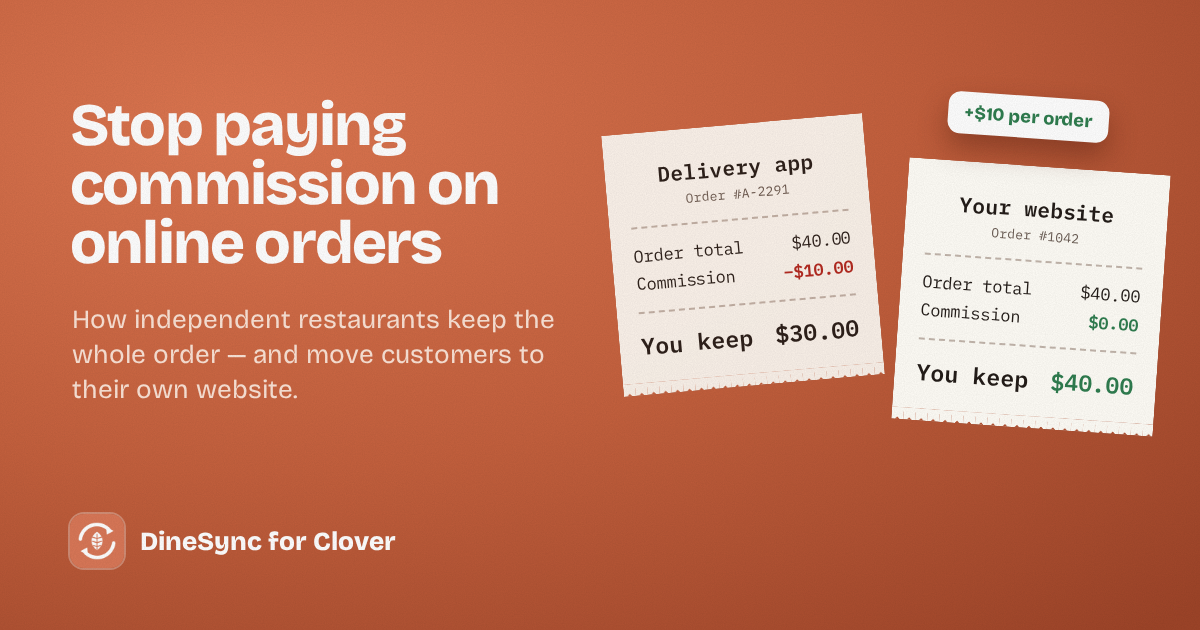
A customer orders $40 of food through a delivery app. By the time the money reaches you, a large slice of it is gone — often somewhere between 15% and 30%, depending on the app and your plan. On a busy week, that’s hundreds of dollars leaving your restaurant for orders you cooked yourself.
That’s why more independent restaurants are looking at commission-free online ordering for restaurants: taking orders on their own website, where the customer pays you directly and nobody takes a cut. This guide covers what that actually involves, what it costs, and how to make the switch without losing the customers the apps bring you.
What delivery apps really cost
The commission is the part everyone sees. The costs that are easier to miss:
You don’t own the customer. The app keeps their email, their order history and their contact details. When they want to order again, they go back to the app — not to you.
You compete on your own listing. Customers browsing the app see your restaurant next to five others, often with a promotion for someone else right above yours.
Your prices go up, or your margin goes down. Many restaurants raise prices on the app to cover the commission. Customers notice, and some decide you’re expensive.
None of this means the apps are useless. They’re genuinely good at one thing: introducing new customers to you. The problem is paying a commission on every order after that — including orders from people who already know and love your food.
How commission-free online ordering works
With your own ordering website, the customer orders and pays you directly. There’s no marketplace in the middle.
Your costs become:
- Card processing fees — you pay these on any card payment, app or not, usually a few percent
- Your website — hosting and a domain, a fixed monthly cost that doesn’t grow with your sales
- Any plugins you use — typically a flat price, not a percentage
The key difference: none of it scales with your orders. A good month doesn’t cost you more.
The part people forget: getting orders into the kitchen
Here’s where many restaurants stall. A WooCommerce website can take orders beautifully, but if those orders arrive as emails or on a separate tablet, someone has to read them and punch them into your POS by hand.
That’s slow on a quiet day and risky on a busy one. Retyping is where orders get missed, sizes get wrong, and “no onions” disappears.
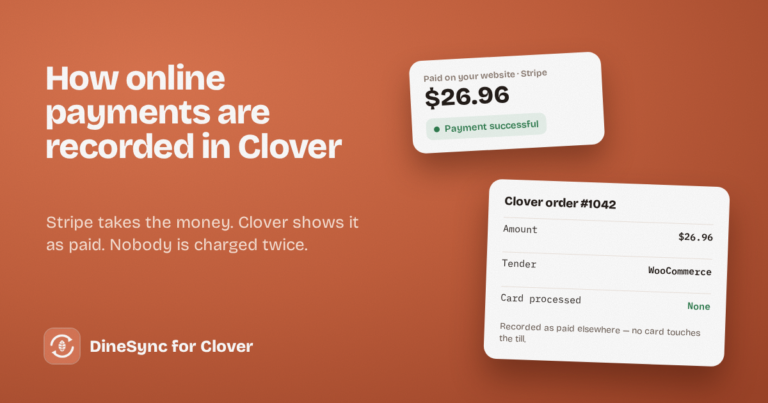
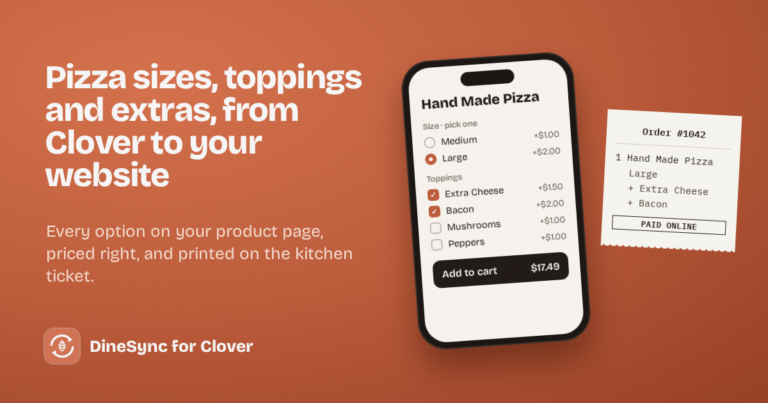
If you run Clover, DineSync for Clover fixes that. When a customer pays on your website, the order goes straight to your Clover and prints in your kitchen — every item, size, topping and note, exactly as ordered. Your staff work from the same till and the same tickets they already use. There’s no second system to learn, and the free plugin doesn’t take anything per order either.
How to move customers from the apps to your website
You don’t have to leave the apps overnight. The smart approach is to let them keep finding you new customers, while you move your regulars to your own site.
Put your website on everything that leaves your kitchen. A small card in each delivery bag: “Order direct next time at yoursite.com.”
Give a reason to order direct. A free drink, a small discount, or a loyalty stamp for website orders. It costs less than the commission you’d pay.
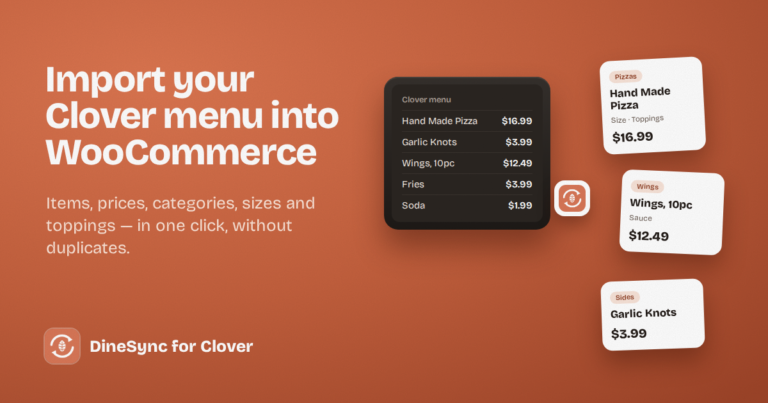
Make your website the easy option. Your full menu, your real prices, and the same sizes and extras customers expect. If it’s harder to order from you than from the app, they’ll stay on the app.
Tell people at the counter. Your regulars would often rather support you directly. Many simply don’t know they can.
The trade-off: now it’s yours to watch
There’s one honest cost to owning your ordering: when something goes wrong, there’s no app support team watching it for you. If an order doesn’t reach your kitchen, it’s on you to notice.
With DineSync, a failed order is never lost silently — it’s recorded on the order with the reason, and you can resend it in one click. But on a busy night, someone has to look.
DineSync Pro: the watching, done for you
DineSync Pro is built for restaurants that have moved ordering onto their own site and want to stop worrying about it.
- Failed-order alerts. If an order doesn’t reach your Clover, Pro emails you — and whoever’s on shift — with a link straight to the order and one-click retry.
- Automatic menu sync. Change a price on your Clover and your website picks it up on its own, as often as every five minutes.
- A preview before bulk changes, so you see exactly what will change on your menu before it touches your register.
Pro costs $69.99 a month, a flat price. Against commission on even a handful of orders a week, it usually pays for itself quickly.
Getting started
Start with the free plugin. It sends paid website orders straight to your Clover and prints them in your kitchen, with no per-order fees.
Install DineSync for Clover free → https://wordpress.org/plugins/dinesync-for-clover/
When you’d like someone watching your orders for you, add Pro. There’s a 14-day free trial, and no card is needed.
Try DineSync Pro free → https://monirtechsolutions.com/plugins/dinesync-for-clover/get-pro/?utm_source=blog&utm_medium=article&utm_campaign=commission-free