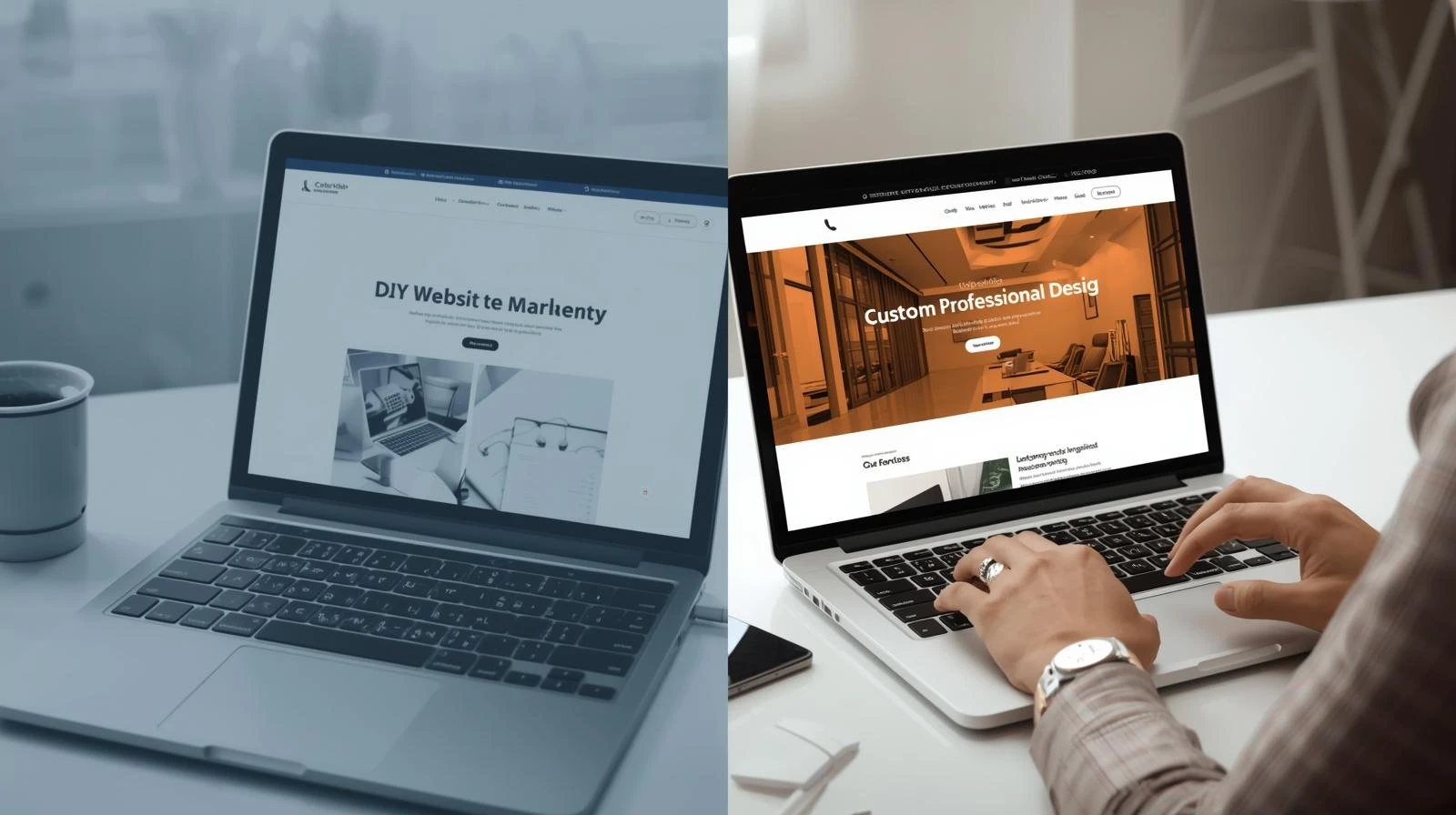
Every small business owner faces this decision: should you build your website yourself using tools like Wix or Squarespace, or hire a professional web developer?
The answer isn’t the same for everyone. Both approaches have legitimate advantages depending on your situation, budget, and goals.
The DIY Website Approach
Advantages
Lower Upfront Cost: DIY website builders typically cost $12-40 per month. You avoid paying thousands for professional development.
Quick Launch: Template-based builders let you create a basic website in hours or days, not weeks.
Easy Updates: Adding new content or making simple changes doesn’t require technical knowledge or hiring someone.
Full Control: You make changes whenever you want without waiting for a developer’s availability.
Disadvantages
Time Investment: Learning the platform and building the site takes your time away from running your business.
Limited Customization: Templates restrict what you can do. Your site may look similar to thousands of others.
Hidden Costs: Premium templates, plugins, and add-ons quickly increase the actual cost.
SEO Limitations: DIY platforms often have technical limitations that hurt your search engine rankings.
Scalability Issues: As your business grows, you may outgrow the platform’s capabilities.
Best For
DIY websites work well for businesses that need a simple online presence with basic information and contact details. If your website is primarily a digital business card, DIY might be sufficient.
The Professional Website Approach
Advantages
Custom Design: A professional creates a unique design that reflects your brand and stands out from competitors.
Better Performance: Professional developers optimize for speed, security, and search engines.
Advanced Features: Custom functionality like booking systems, customer portals, or e-commerce integration.
Time Savings: You focus on your business while experts handle the technical work.
Ongoing Support: Professional relationships typically include maintenance and support.
Scalability: Custom websites can grow and adapt as your business evolves.
Disadvantages
Higher Initial Cost: Professional websites typically cost $2,000-10,000+ depending on complexity.
Longer Timeline: Quality development takes weeks, not hours.
Dependency: Making changes may require contacting your developer.
Best For
Professional websites make sense when your website needs to actively generate leads, process transactions, or serve as a significant business tool. If customers judge your credibility by your online presence, professional development pays for itself.
Real Cost Comparison
Let’s compare actual costs over three years:
DIY Website
| Item | Cost |
|---|---|
| Platform (3 years) | $1,080 |
| Premium template | $100 |
| Domain (3 years) | $45 |
| Premium plugins | $200 |
| Your time (40 hours @ $50/hr) | $2,000 |
| Total | $3,425 |
Professional Website
| Item | Cost |
|---|---|
| Custom development | $4,000 |
| Domain (3 years) | $45 |
| Hosting (3 years) | $360 |
| Maintenance (optional) | $600 |
| Total | $5,005 |
The gap is often smaller than expected, especially when you factor in the value of your time and the results a professional site delivers.
Questions to Help You Decide
Answer these questions honestly:
How important is your website to getting customers? If customers find you primarily through your website, invest in professional quality.
Do you have time to learn and build? Be realistic about your schedule and technical comfort level.
What features do you need? Basic information sites are DIY-friendly. Complex functionality requires professional development.
What’s your budget now vs. over time? Consider total cost of ownership, not just initial expense.
How competitive is your market? If competitors have polished professional sites, a DIY site may hurt your credibility.
The Hybrid Approach
Some businesses find success with a middle path. Start with a DIY site to establish online presence quickly and affordably. As revenue grows, invest in professional development.
This approach lets you test your online strategy before committing to larger investment. You’ll also have clearer requirements for the professional version based on real experience.
Making Your Decision
There’s no universally right answer to the DIY vs professional website question. The best choice depends on your specific situation.
Choose DIY if you have more time than money, need only basic functionality, and are comfortable learning new tools.
Choose professional development if your website needs to actively drive business, you value your time highly, or you need custom features and professional polish.
Either way, having some website is better than no website. Don’t let analysis paralysis keep you offline while competitors capture your potential customers.
Ready for a professional website that drives results? Get a free quote and see how affordable custom development can be.